05AI Automation Builder
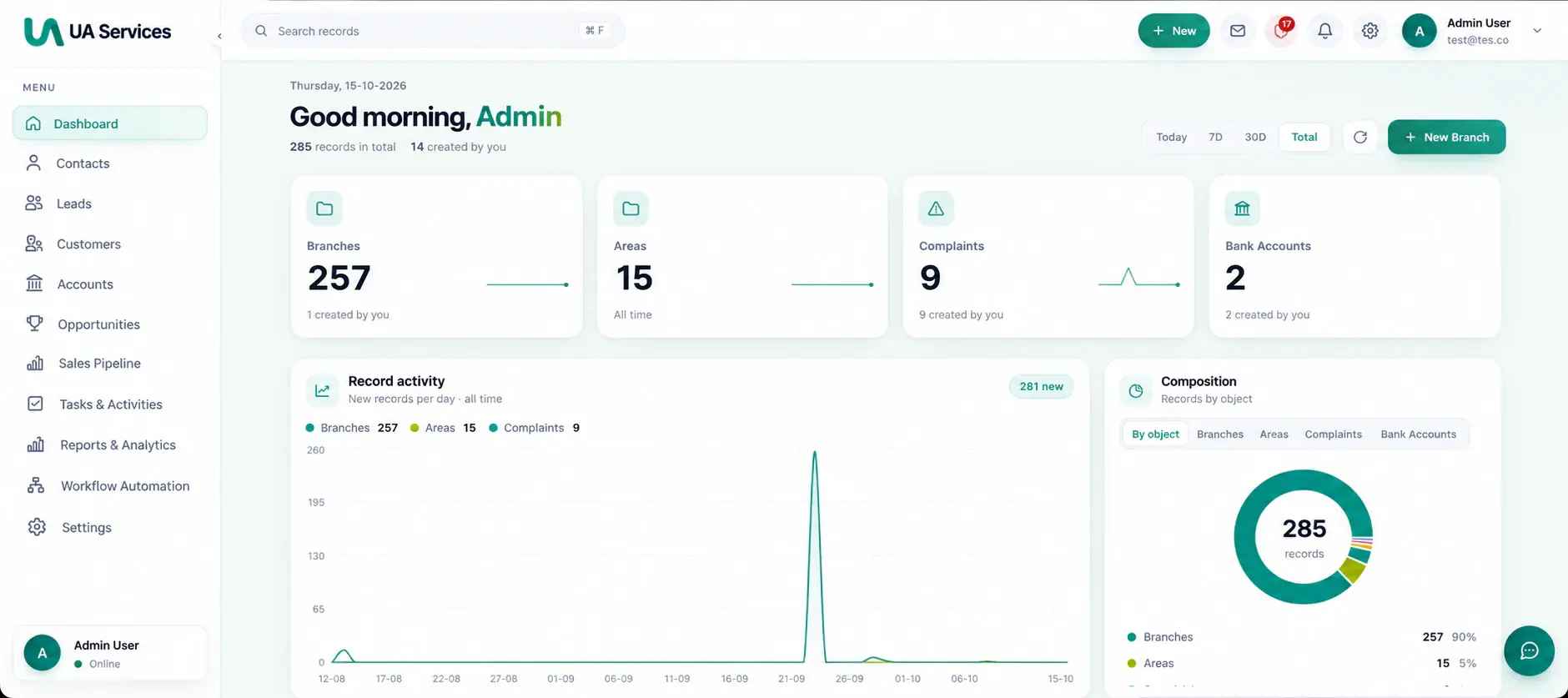
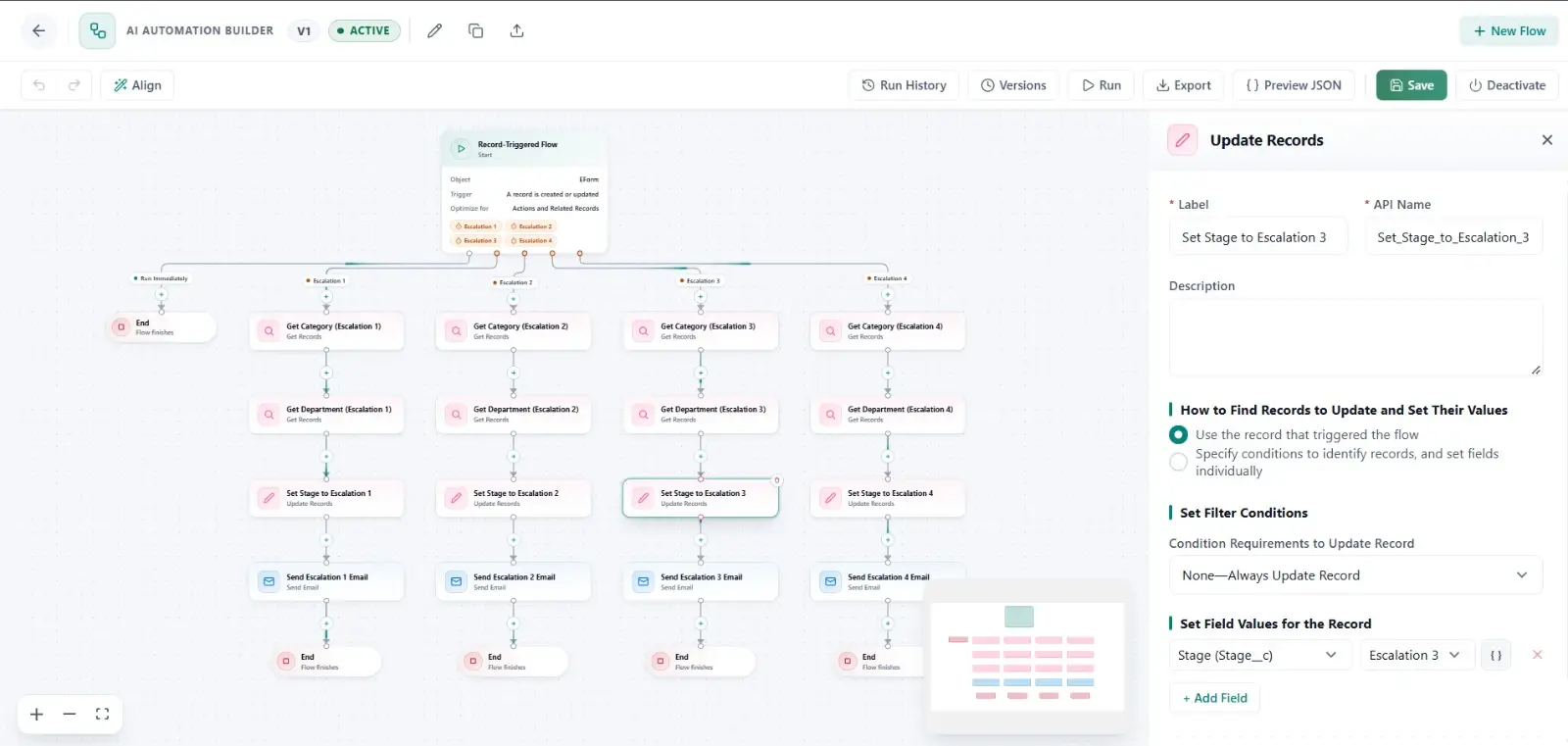
An enterprise platform for designing, running and tracking business workflows visually, built with Next.js and NestJS to take repetitive work off people.
- Next.js
- NestJS
- Python


n8n workflows designed, built and looked after for you: automations that connect your apps, AI steps with a person approving what matters, and self-hosted n8n set up to be secure, backed up and monitored.
At a glance
Our view
n8n is excellent glue. It bills per workflow run rather than per step, puts code and AI agents on the same canvas, and can run on your own servers so your data stays where you choose. It also expects a technical owner. We build workflows that are safe to run twice, handle their own errors and are documented for the people who rely on them, and we say so when a workflow has become part of your product and belongs in code. We have no partner, reseller or affiliate relationship with n8n, Zapier or Make.
What we build
Usually a short assessment to rank the candidates, then one workflow at a time, each proven before the next.
Triggers, conditions and actions across your CRM, email, accounting and support tools, built so a retry never creates a duplicate.
Classification, extraction and drafting steps, and n8n’s AI Agent node with tools, with a person approving before an agent changes important records.
n8n on your own servers or cloud: PostgreSQL, a backed-up encryption key, a reverse proxy, monitoring, and queue mode with workers when volume grows.
Existing automations rebuilt in n8n where per-run pricing or data location favors it, and run side by side before the switch.
Retries per step, error workflows and alerts to the owner, so a failed run is noticed and fixed, not discovered weeks later.
Logic that customers depend on moved into a small tested service the workflow calls, while notifications and simple syncs stay in n8n.
How we deliver
The trigger, the systems involved, the runs per month and the cases that need a person, written down before a node is placed.
n8n Cloud or self-hosted, decided by where your data must stay, your volume and who will own the instance.
Each workflow built with retries and error handling, then run against real examples from your process.
Every workflow named, described and given an owner, with credentials kept in n8n’s credential store rather than in the steps.
Failed runs alerted, n8n upgraded, and workflows reviewed as your apps and volumes change.
Related work
An enterprise platform for designing, running and tracking business workflows visually, built with Next.js and NestJS to take repetitive work off people.
A multi-tenant CRM where business processes run through a visual, no-code flow builder, with AI that scores leads, routes complaints and drafts emails and SMS.
n8n Automation · Questions
Something else on your mind? An engineer replies within one business day.
Ask an engineerThe Community edition is free to self-host under n8n’s Sustainable Use License, which allows use for your own internal business purposes, including workflows a partner builds and maintains for you. You still pay for the server and for someone’s time to run it. n8n Cloud plans are priced by the number of workflow runs a month; our n8n vs Zapier guide compares the plans at real volumes.
n8n Cloud suits most teams: there is no server to run, and data is stored in the EU, in Frankfurt. Self-hosting suits data that must stay on your own infrastructure, or high volumes, but n8n recommends it for expert users: you take on the database, the encryption key for saved credentials, backups, upgrades and scaling. If you self-host, we set those up and can look after them.
Behind the scenes, yes: your product can use n8n to run its own automations. The license doesn’t allow letting your customers build or edit workflows in it, hosting it as a service, or white-labeling it. If customers need to configure their own automations, that part should be built as software, like the workflow builders in our case studies.
The steps that already ran stay done, because workflow tools have no transactions. We make each step safe to run twice (look the record up before creating it) and add retries and an error workflow that alerts the owner, so a failed run can be retried without creating duplicates.
Start a project
Tell us what you’re building and where you’re stuck. A senior engineer will reply within one business day with honest questions and a suggested first step.